

The shoutbox is unavailable to non-members
 System


 I did not name mine Valence, either. It did not seem to fit.
Important, change your password!
Go here for further information: https://cgartnexus.com/index.php/forum/announcements/840-hacked
The Nexus Coloring Book


 but I've changed it back on the two posts affected.
Also, this IS the Nexus colouring book Dom, so putting up greyscale images for others to try to colour them and explain what techniques they used to do so is exactly what should be done here

Any an all misspellings are henceforth blamed on the cats.
Please Log in or Create an account to join the conversation.
- Digital Dave
-
 Topic Author
- Offline
- Platinum Member
-

- Posts: 2247
- Thank you received: 163
Thomgirl wrote: Okay, I gotta throw in something here! Because I've been curious to see it in color but as of yet have been lax on time to get to it myself...
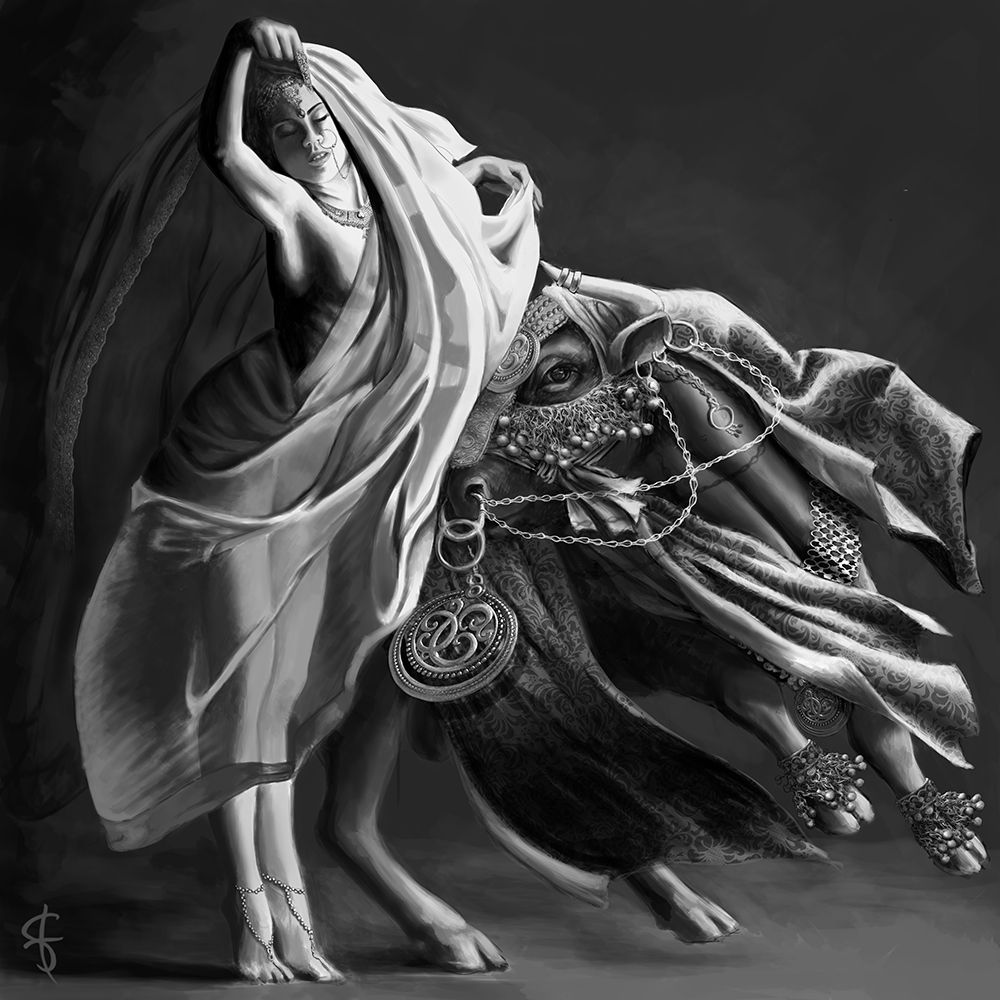
Have it!
This should be a nice one to see colored up. Think this one came out quite nice when you made it for the challenge on IFX. Though I'm not sure if I will like it more with color though, since I think the B&W goes so well with this one? But won't know until I can see both.

I get sketchy around pencils! ...

Please Log in or Create an account to join the conversation.

Edit: whoops! for some reason, didn't see the posts from Charlotte and Dave, I'll keep it here
Please Log in or Create an account to join the conversation.
Please Log in or Create an account to join the conversation.
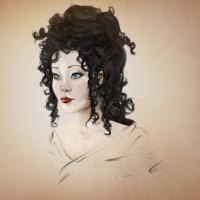
Everything's on the right!!!
It's like driving abroad!
Please Log in or Create an account to join the conversation.
Please Log in or Create an account to join the conversation.
First up was an overlay layer that I filled with a flesh tone, creating a light sepia effect over the whole thing. I then added a softlight layer above that which I used to block in the flesh tones. It was way way too bright though. After that I created another layer set to multiply and used various flesh colours to smooth things off and get it to something resembling human skin, working into the shadowy areas to try and graduate the lighting a bit. I then used a pattern I nicked from google, set the layer up as a multiply layer and erased the areas I didn't want, cutting some shapes out and reapplying them to give the pattern a less uniform look (hopefully).
I put a Hue/sturation adjustment layer above that and made the skin a bit paler.
What do you think T-girl? Is it working?
Everything's on the right!!!
It's like driving abroad!
Please Log in or Create an account to join the conversation.

How did you get the pattern to look like it was folding?
Did you use something like liquefy in Photoshop?
Please Log in or Create an account to join the conversation.
I just put a pattern over the drawing on a layer set to multiply, erased the parts I didn't need, worked a little bit of shadow into the creases and this was the result. I think it was more to do with the way the folds have been painted than the multiply layer.
I did however cut a small chunk of the pattern out, twirled it around and reapplied it to the "hip" part of the silk. But the rest was just the way the pattern looks on top of Tomgirl's painting.
Give it a go yourself Kod. See what happens.
Everything's on the right!!!
It's like driving abroad!
Please Log in or Create an account to join the conversation.
I really do like the look you're going with it though!
Please Log in or Create an account to join the conversation.
Facebook Feed
Member Statistics
- Total Users: 228
- Latest User: DanielWilson
- Online Users: 0
- Users Today: 0
- Users this Week: 1
- Users this Month: 2
- Users this Year: 2
NOTE! This site uses cookies and similar technologies.
By using this website you agree to the use of cookies and related data storage as detailed in our privacy policy. Learn more
Site design Mad Hamster Studios. All content is protected under © and the property of the various contributers and not to be reproduced without permission of the creator.